
Containers Are Disposable. I Learned This the Hard Way.
Apr 25, 2026 · ~ 5 min read
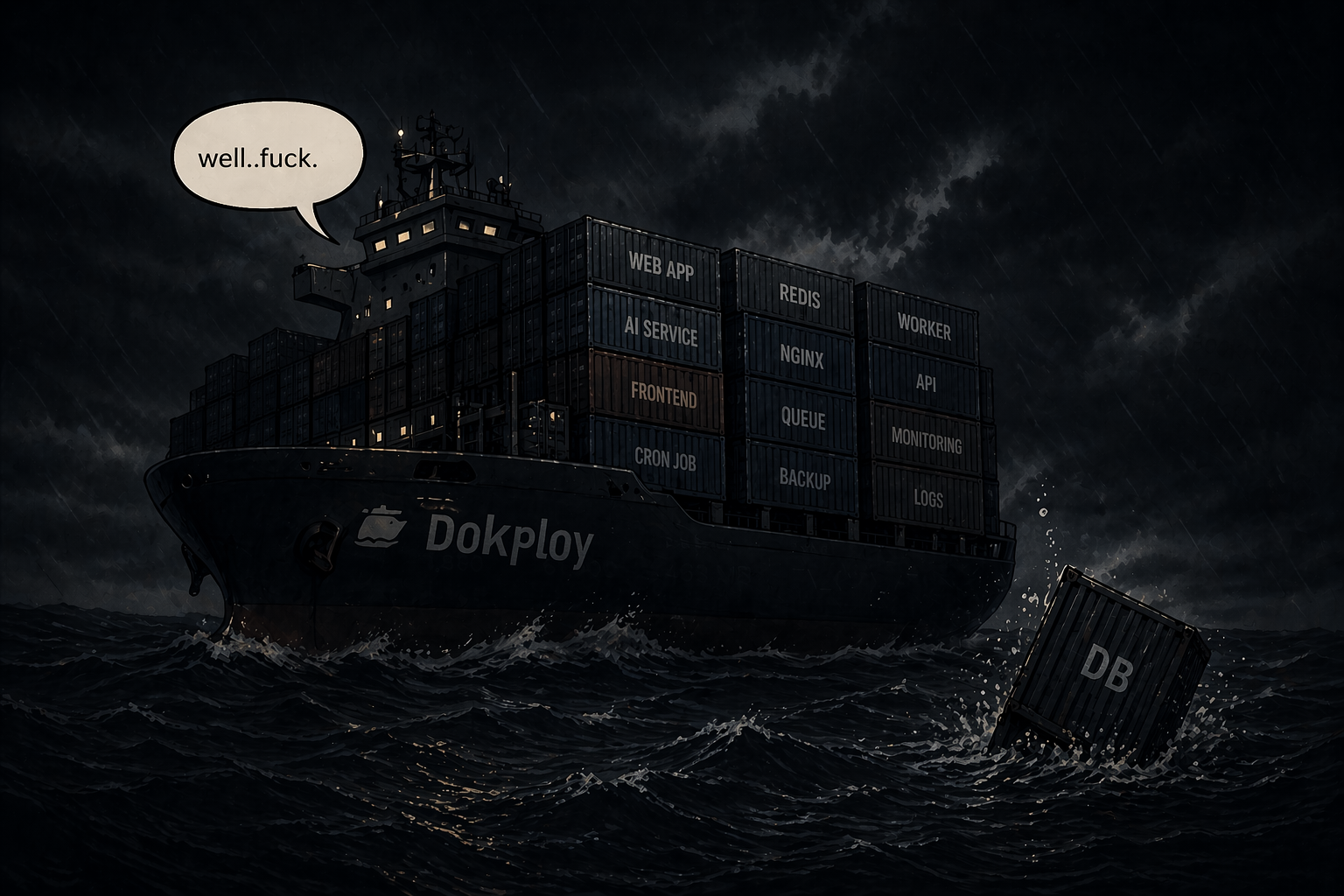
I was running Postgres inside a Docker container on my self-hosted server. Docker Swarm recreated the container. The data did not survive.
// contents(5)
I lost my database, and here's what I learned
Let me set the scene. I was setting up a new client project on my Hetzner server, Next.js, Payload CMS, the usual stack. Everything was going fine. I switched back to check on jamjam.dev, and it was blank. Content gone. Database wiped.
Just like that. No warning. No error. Just an empty site staring back at me, which, given the Cloudflare analytics situation, at least maintains a certain consistency. See this post.
What actually happened
I was running Postgres as a local container inside Dokploy. It seemed fine, it's what the setup guides suggest. It's easy. It just works. Until it doesn't, which is the part nobody puts in the setup guide.
Here's where I have to be honest: Dokploy runs on Docker Swarm under the hood, and I hadn't learned Docker Swarm. Not because I'm naive or think I'm above it, there's just always something else to learn, and Swarm hadn't made the list yet. I knew enough to get everything running, and I told myself that was enough.
It wasn't.
When I deployed the new client project, Swarm decided to recreate some containers as part of the stack refresh. My jamjam Postgres container got caught up in that. And because I hadn't configured an explicit named volume with a proper host path mount, the data inside it went with it. Gone. Cheerio.
The brutal part is the data was technically still there for a moment, I could see the running container, connect to it, list the databases. The payload database was sitting right there, taunting me. I just couldn't get the dump off the server in time before something else happened. A fun additional twist.
I didn't fully understand what bit me, and that's an honest admission. But the fix doesn't require understanding Docker Swarm deeply. It requires not trusting it with your data in the first place.
Why self-hosting isn't the problem
My first reaction was self-hosting sucks, just use Vercel and Railway and be done with it. Which is the kind of thought you have when you're staring at an empty database at midnight, wondering what you've done with your life.
But honestly, I like self-hosting. There's something genuinely satisfying about owning your infrastructure, knowing exactly where everything lives, and not paying platform tax on every project. So the knee-jerk "burn it all down and go managed" reaction wasn't really how I felt. That was just frustration talking.
The problem wasn't self-hosting. The problem was trusting stateful data to a Docker container without proper persistence. That's a mistake you can make anywhere. It just stings more when you're managing the server and have nobody else to blame.
The rule I should have been following from day one:
Containers are disposable. Your data should never be inside one.
How it's set up now
The fix is pretty simple once you know what went wrong. The stack now looks like this: app on Hetzner via Dokploy, database on Neon, media on Cloudflare R2. That's it. The container can be recreated, restarted, wiped, obliterated, nothing stateful lives inside it. Dokploy can do whatever Docker Swarm needs to do, and I lose nothing.
Neon in particular is a great fit. Managed Postgres, automatic backups, branching, and the connection string just goes in your .env. It costs nothing at the scale I'm running. There's genuinely no reason to run local Postgres in a container when this exists, and I say that as someone who learned the hard way.
R2 for media is the same idea, Cloudflare's S3-compatible object storage with a custom domain, fully compatible with Payload's storage plugin. Images live there, not in the container filesystem, where they can quietly disappear.
While I was rebuilding, I also fixed something else that had been quietly causing problems: building Docker images directly on the server. Next.js and Payload builds are heavy, and the server would just sit there grinding through the webpack optimisation step like it had somewhere better to be. Sometimes it would hang completely. The fix is to build the image locally or via GitHub Actions, push it to DockerHub, and have Dokploy pull the pre-built image. The server never compiles anything. It just runs a container. Deploys went from potentially hanging forever to done in under a minute.
The actual takeaway
Separate your state from your compute. Database on managed infrastructure. Media on object storage. App in a container that can be thrown away and recreated without ceremony.
Do that from day one, and a lot of the horror stories about self-hosting stop being possible. If the whole server burned down tomorrow, I could redeploy any project in under an hour, pointing at the same data. The host is just compute. Everything that matters lives somewhere else.
Dokploy is fine, by the way. It does exactly what it's supposed to do, run containers, handle the reverse proxy, manage deployments. I just asked it to also be a database host, which is not what it's for, and it obliged just long enough to make me feel safe before proving its point.

Jamie McNeil
Creative developer based in Melbourne.
I build websites, web apps, and AI-powered tools. Comfortable across the stack — from design systems to deployment. Currently looking for my next role.
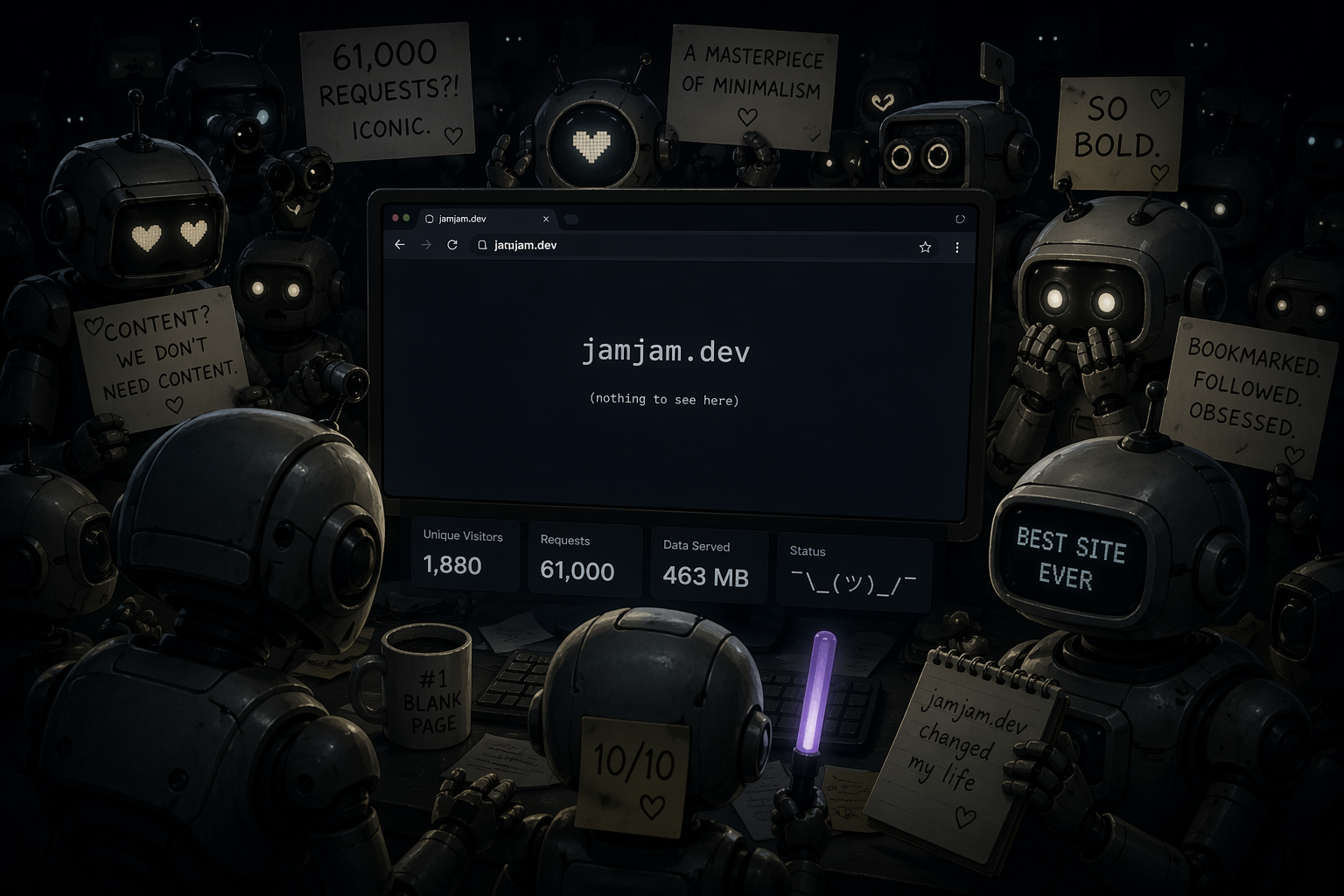
1,880 Unique Visitors, Nothing to See
Apr 2026
Nearly 2,000 visitors, 61k requests, 463MB served — to an empty site. A first post for the bots visiting jamjam.dev